The Airport/Facility Directory, commonly called the A/FD, is a reference publication that covers thousands of airports across the United States. The FAA officially renamed it the Chart Supplement in 2016, but most pilots still call it the A/FD or just "the directory." Whatever you call it, it's one of the most-used preflight references in general aviation.
This guide covers what the directory contains, how pilots actually use it, and where to access it.
What is the Airport/Facility Directory?
The Chart Supplement (A/FD) is an official FAA publication that compiles detailed information about every public-use and selected private-use airport in the United States. It's updated on a 56-day cycle, meaning a new edition is published roughly every eight weeks to keep frequency data, operating hours, and procedural notes current.
In the paper era, the directory came as a thick regional book. Pilots flying the Southeast carried a different volume than pilots flying the Pacific Northwest. Today, most pilots use a digital version on a tablet, phone, or EFB (electronic flight bag), which makes searching and cross-referencing much faster.
What information is in it?
Each airport listing in the directory is dense. Here's what you'll find for a typical public-use airport:
Basic airport data
- Airport name and identifier (the three- or four-letter ICAO code)
- City and state
- Field elevation above mean sea level (MSL)
- Airport coordinates (latitude and longitude)
- Magnetic variation
- Traffic pattern altitude
Runway information
- Runway designations (e.g., 18/36)
- Length and width in feet
- Surface type: asphalt, concrete, turf, gravel
- Lighting type: MIRL, HIRL, REIL, PAPI, VASI
- Slope and displaced threshold notes
Communications frequencies
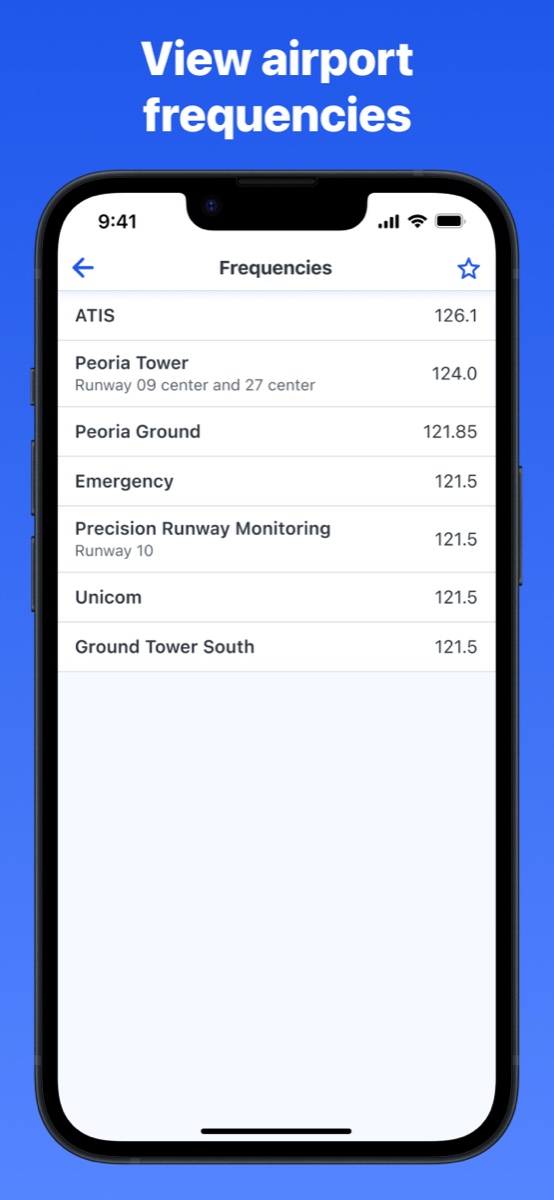
This is one of the most referenced sections before any flight, and the main reason most pilots open the directory at all. Depending on the airport, you'll find:
- ATIS (Automatic Terminal Information Service)
- Ground control
- Tower (local control)
- Approach and departure control
- UNICOM and CTAF (Common Traffic Advisory Frequency) for non-towered airports
- Clearance delivery
Services and facilities
- Fuel types available (100LL avgas, Jet-A)
- FBO names and contact numbers
- On-site repair and maintenance
- Tie-down and hangar availability
- Transportation options (rental cars, taxi)
Airport remarks
The remarks section is easy to skim past but worth reading carefully. This is where you'll find noise abatement procedures, non-standard traffic patterns, restricted hours, local hazards, and anything else the airport wants pilots to know that doesn't fit neatly into a data field.
How pilots use the directory
Preflight planning
Before any flight, pilots look up their destination (and typically their alternate) to pull frequencies. If you're flying into an unfamiliar towered airport, you want the ATIS frequency programmed before you get close, then ground and tower ready for after landing. Having these dialed in ahead of time means less fumbling with the radio in a busy pattern.
Field elevation matters too. It feeds into your altimeter settings and performance calculations, and it's easy to verify from the directory before departure.
Checking fuel availability
For longer cross-countries, pilots often plan fuel stops at smaller airports. The directory tells you whether 100LL is available before you land somewhere expecting to top off and find an empty pump or an FBO that closed on Sundays.
Non-towered airports: finding the CTAF
At airports without a control tower, pilots broadcast their position on the CTAF so other traffic in the pattern knows where they are. That frequency lives in the directory. Getting it wrong, or not looking it up at all, is how you end up transmitting on the wrong frequency and confusing everyone in the pattern.
Reading the remarks before landing somewhere new
Some airports have left-hand patterns on every runway. Some have a right pattern on one runway to avoid obstacles or noise-sensitive areas. Some have a hard-deck altitude for overflying a nearby school. None of that is obvious from a sectional chart alone. The remarks section is where it's documented, and it's worth reading before the first time you fly into an unfamiliar field.
Where to access it
The FAA publishes the Chart Supplement as a free PDF on its aeronautical charts website, divided by region. That's the authoritative source, though navigating a multi-hundred-page PDF to find one airport entry isn't the most efficient workflow.
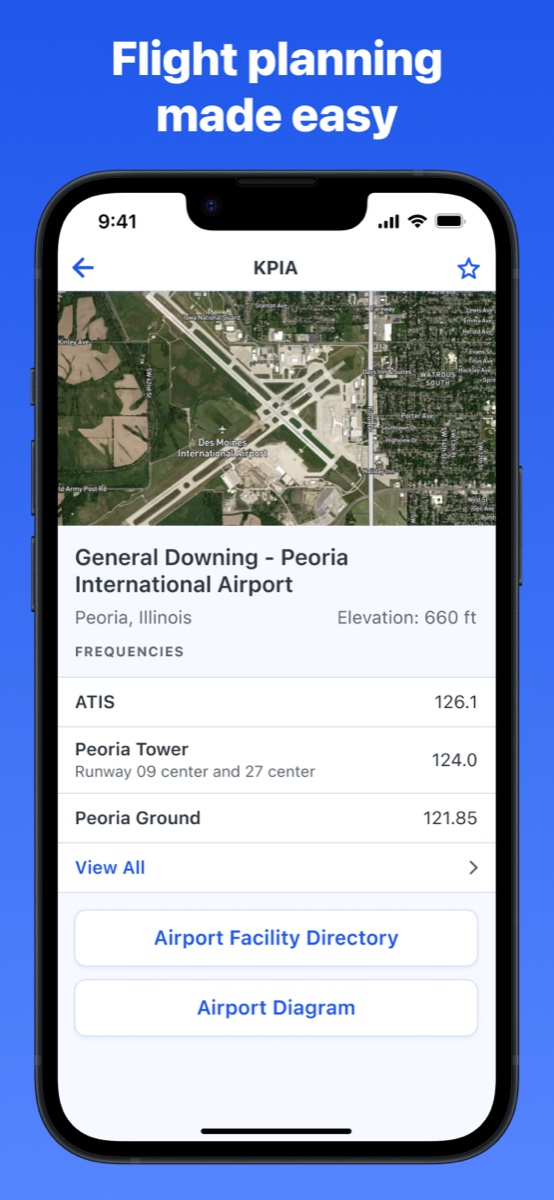
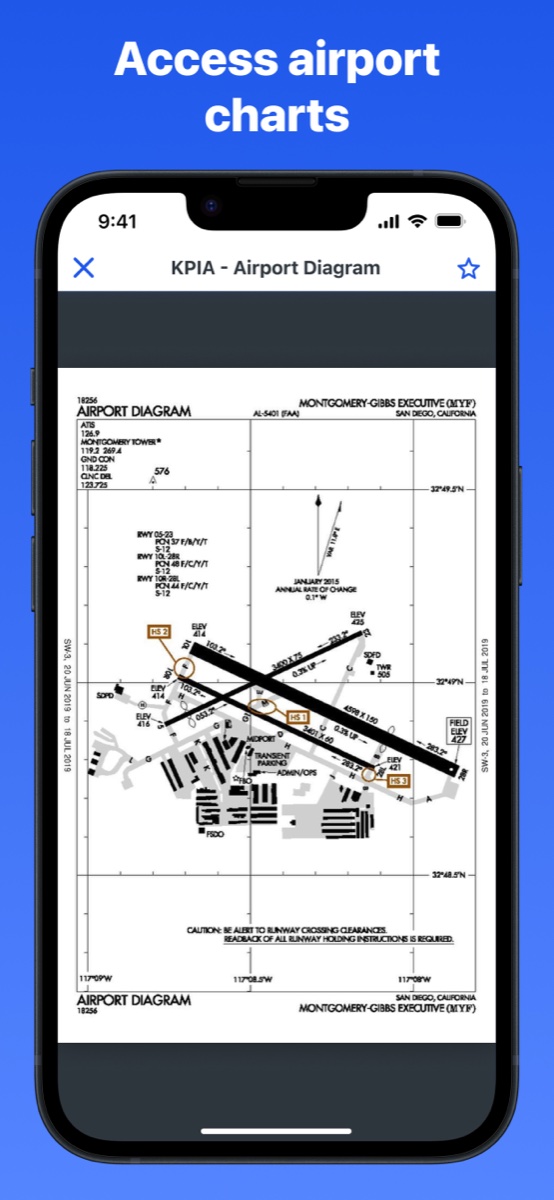
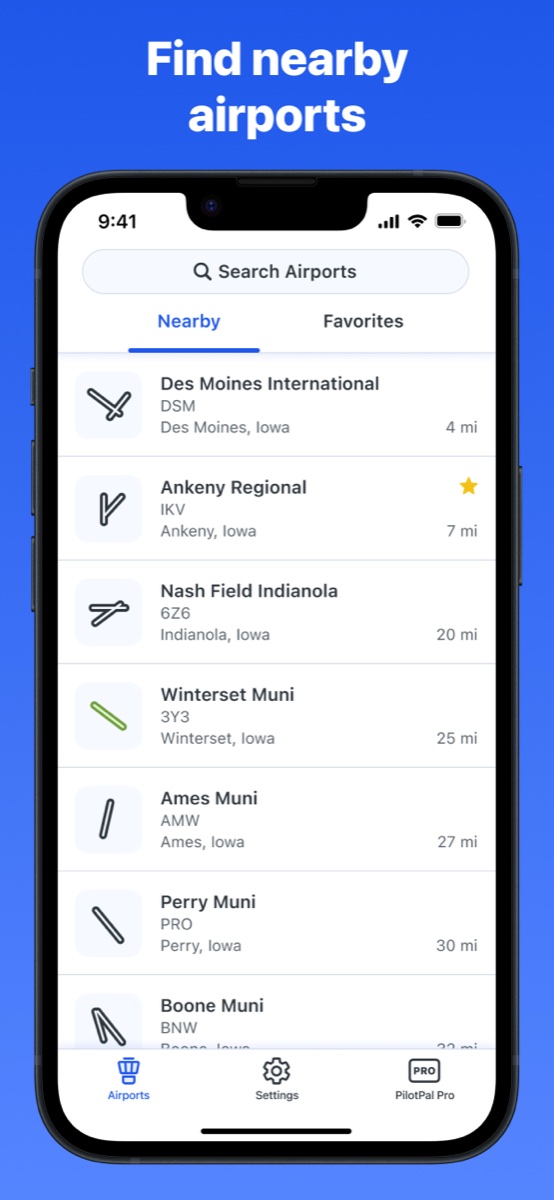
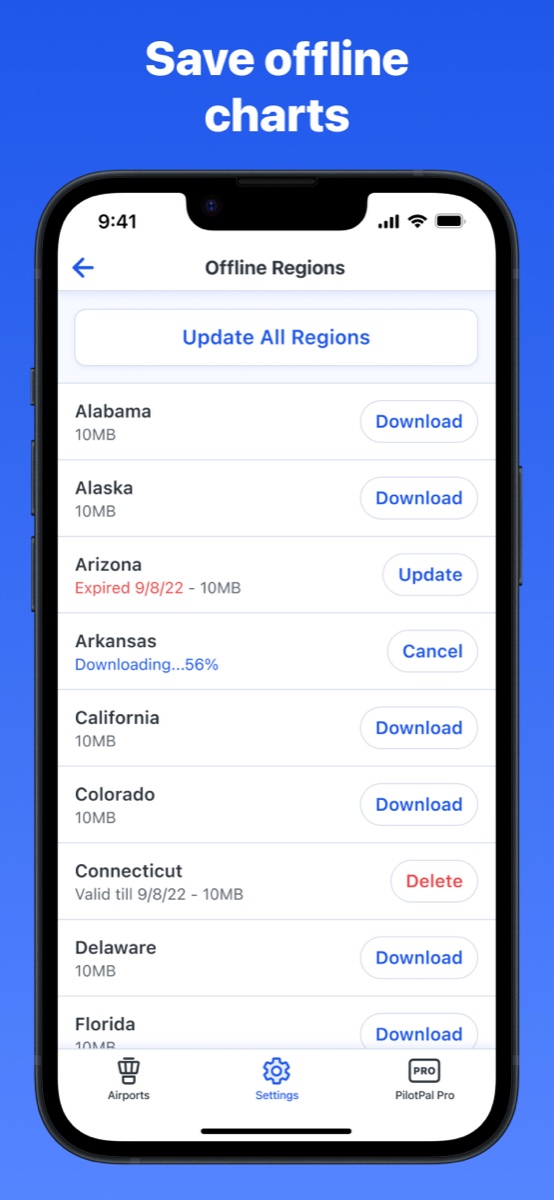
Most pilots access the directory through an EFB app, which indexes the data and lets you search by identifier or airport name. PilotPal is a lightweight option for iPhone built specifically for this kind of lookup: type in an identifier, get elevation, frequencies, diagrams, and chart supplement data without any clutter around it.
A/FD vs. sectional chart: what each one covers
Pilots sometimes conflate these two because both show airport information, but they serve different purposes. A sectional chart shows you where airports are, the airspace around them, terrain, and navigation aids in a geographic context. The A/FD tells you everything about a specific airport in detail: the frequencies, runway dimensions, services, and procedural notes that a chart symbol can't communicate. You need both for a complete preflight picture.
Get PilotPal
If you want a fast, no-clutter way to look up airport data on your iPhone, PilotPal is built specifically for that. Search by identifier, get elevation, frequencies, diagrams, and chart supplement data instantly.

PilotPal: Airport Facility Directory
Fast airport lookup for iPhone
Look up elevation, frequencies, airport diagrams, and chart supplement data for thousands of airports. No clutter, no learning curve, just a fast focused reference that loads instantly.