
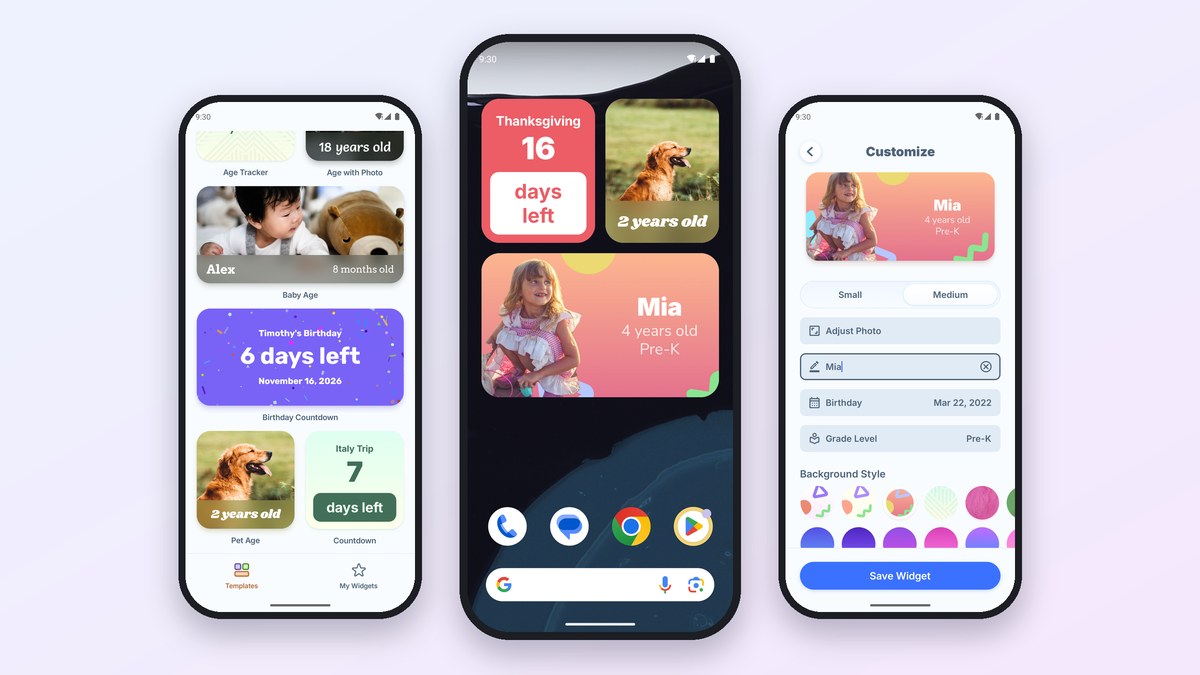
Kidgets is now on Android. It's the widget maker we built for putting a kid's age, a birthday countdown, a due date, or a favorite photo on your home screen, and it joins the version already on iPhone. The Android version is free on Google Play and runs on Android 10 and up.
It has every template from the iPhone app. You can add a widget to your home screen with one tap, and resize it after it's there.
The widgets you can make
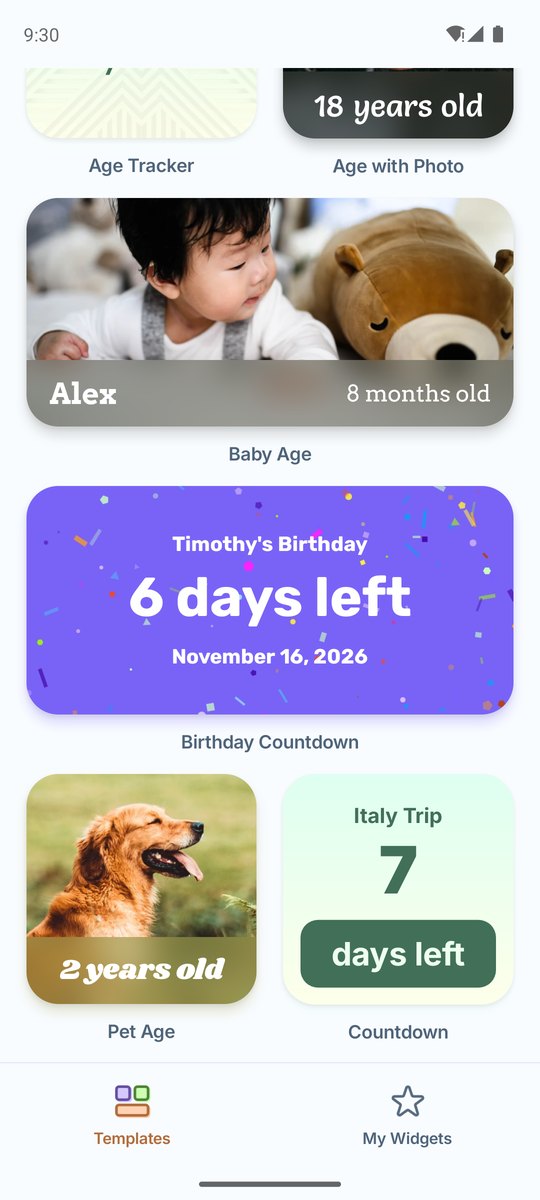
There are 13 templates, and each one starts out looking finished so you only have to swap in your own details:
- Ages: a child's age with their photo and school grade, a baby's age, a plain age tracker, or an age over a photo.
- Countdowns: days left until a birthday, a trip, a holiday, or any date, with or without a photo behind it.
- Count-ups: time since a wedding, an anniversary, or another day worth remembering.
- Pregnancy: the current week, the trimester, and how big the baby is.
- Pets: your dog or cat's age, with an option to show it in pet years.
- Sports and school: a kid's name, jersey number, and position, or their name, age, and grade.
- Photo: just a picture, framed the way you want it.
Every widget updates itself overnight. The countdown drops by a day, "8 months old" becomes "9 months old," and the grade moves up when a new school year starts.
How to make a widget on Android
- Pick a template. Open Kidgets and tap the one closest to what you want.
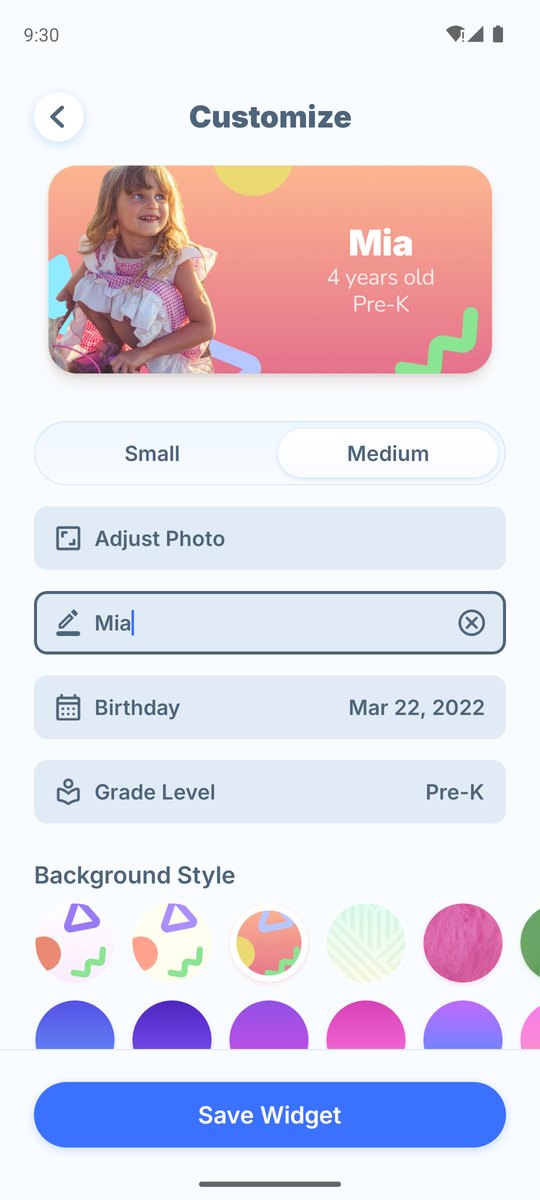
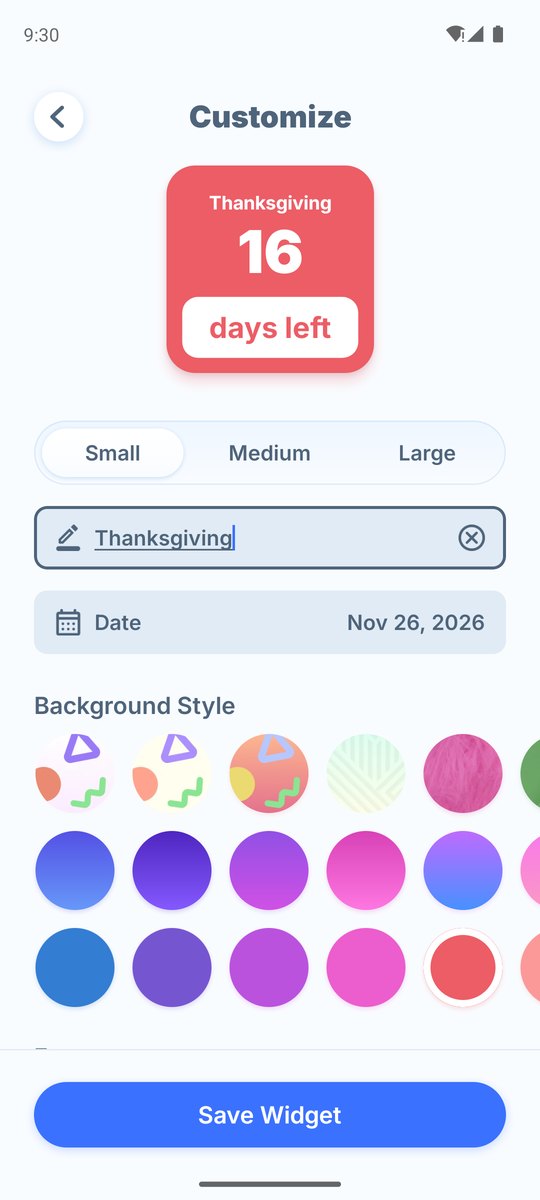
- Choose a size. Small, medium, or large. The preview at the top changes as you go, and it's exactly what will show up on your home screen.
- Fill in the details. Add a name, a birthday or date, and a photo if the template uses one.
- Pick a background and font, then tap Save Widget.
Add it to your home screen in one tap
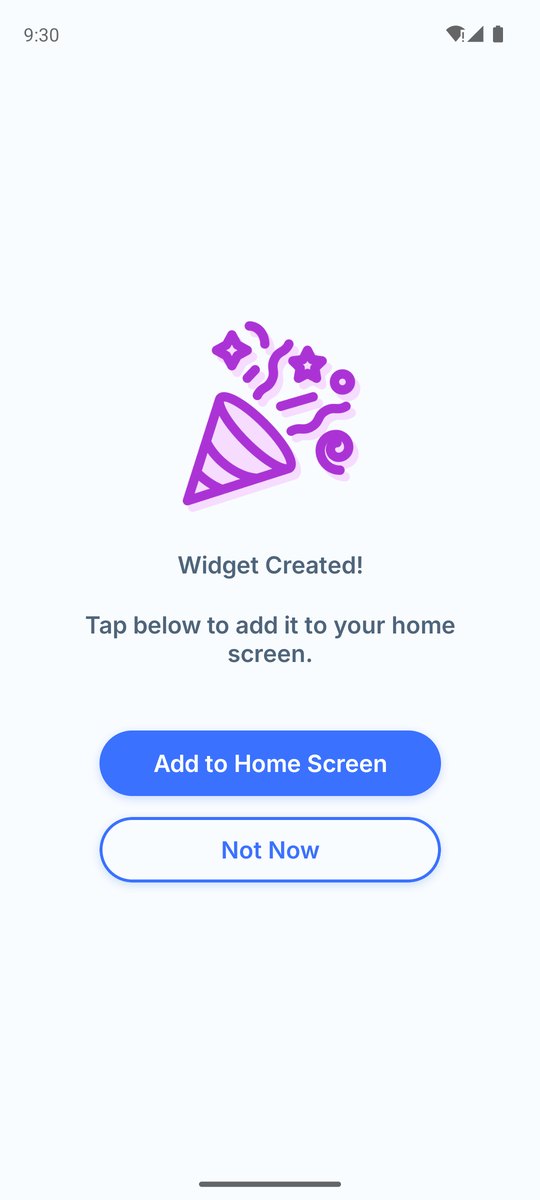
You don't have to dig through your launcher's widget list. When you save a widget, tap Add to Home Screen, confirm, and it's placed for you, already showing the widget you just made.
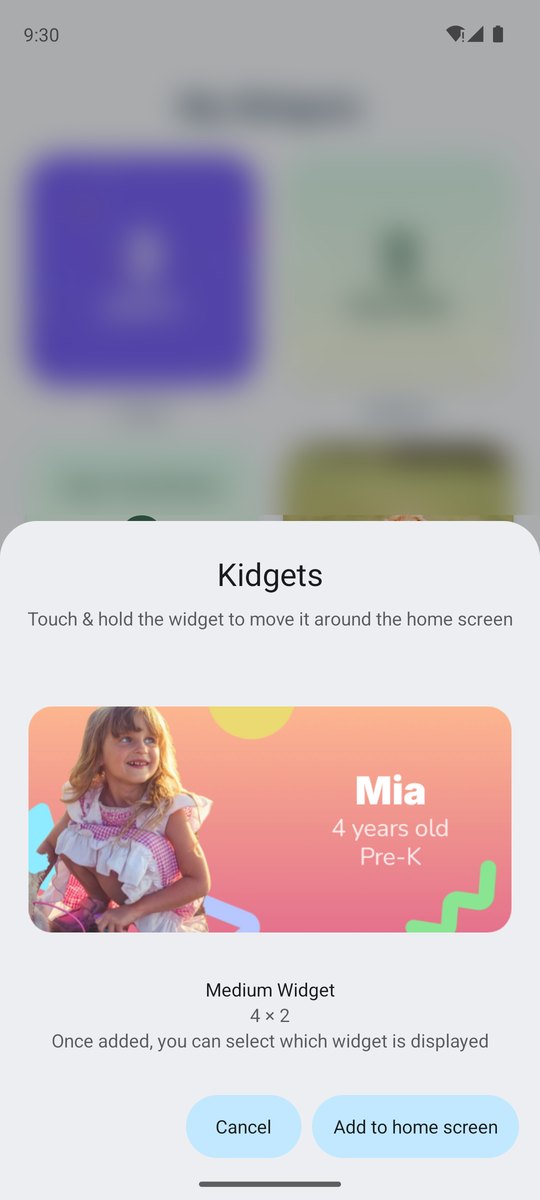
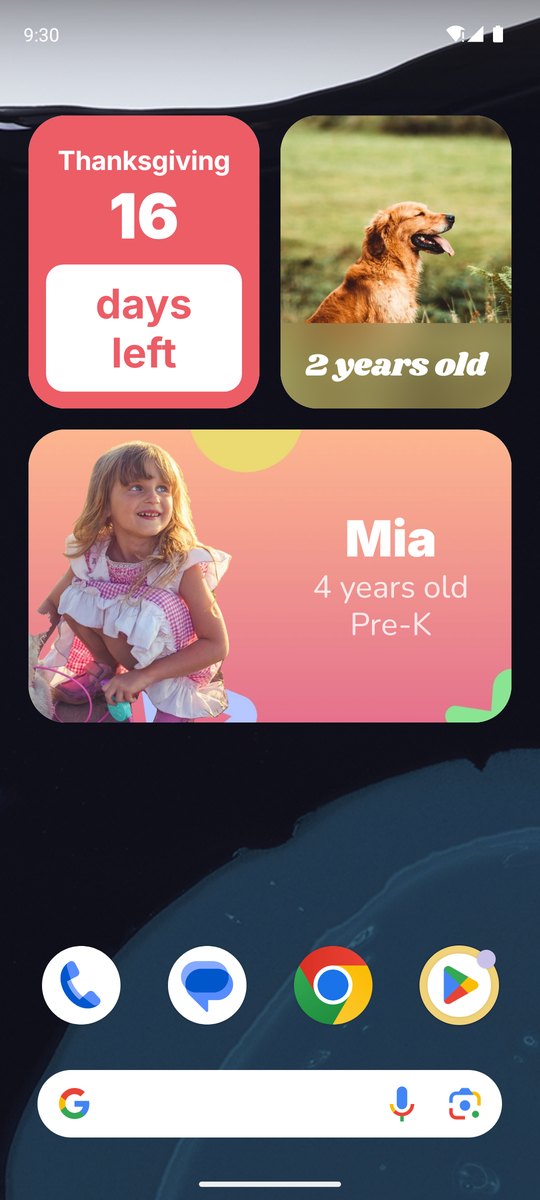
If your launcher doesn't support that, or you'd rather do it by hand, long press an empty spot on your home screen, tap Widgets, find Kidgets in the list, and drag a widget into place.
Resize it whenever you want
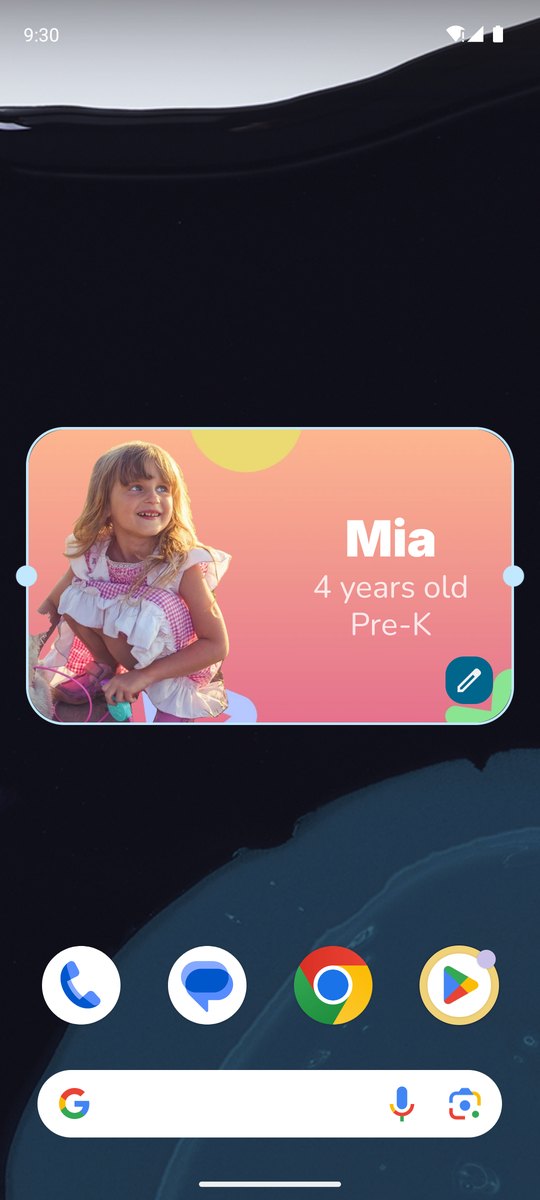
Long press a widget on your home screen and drag the handles to make it wider or taller. The widget doesn't just stretch: it switches to the small, medium, or large layout that fits the new shape, so a small 2 × 2 countdown can become a wide 4 × 2 one.
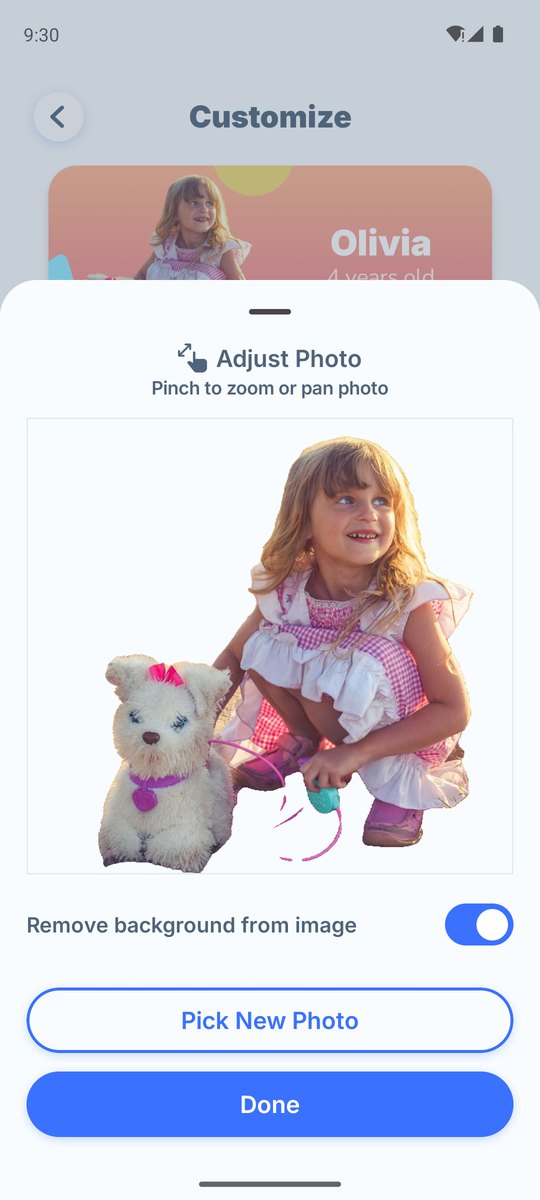
Cut the background out of a photo
Some templates look best when the person stands out against a colorful background instead of sitting in a rectangle. When you add a photo to one of those, turn on Remove background from image and Kidgets cuts out the subject for you. You can still pinch and drag to frame the photo afterward.

Kidgets: Simple Widget Maker
Age and countdown widgets for Android and iPhone
Home-screen widgets for kids' ages, birthdays, trips, due dates, pets, and photos. Free on Google Play and the App Store.
For a closer look at each kind of widget, see the full Kidgets guide.