
Flight training is expensive. The median cost of a private pilot certificate is around $14,000, rental runs about $150 an hour, and most students need 60 to 75 hours to finish what the FAA technically allows in 40. When every hour aloft costs real money, a $130 to $390 per year app subscription deserves a hard look, not an automatic yes.
ForeFlight is the default choice, and it's a lot of app. The real question is whether you need all of it during primary training, or whether cheaper apps (some of them free) cover everything you'll actually use before the checkride. Here's what ForeFlight really costs in 2026, and the cheaper apps that cover what a student actually uses.
What ForeFlight costs in 2026 (the full breakdown)
ForeFlight sells three individual plans, billed annually. Here's what they cost and what you get, as of July 2026:
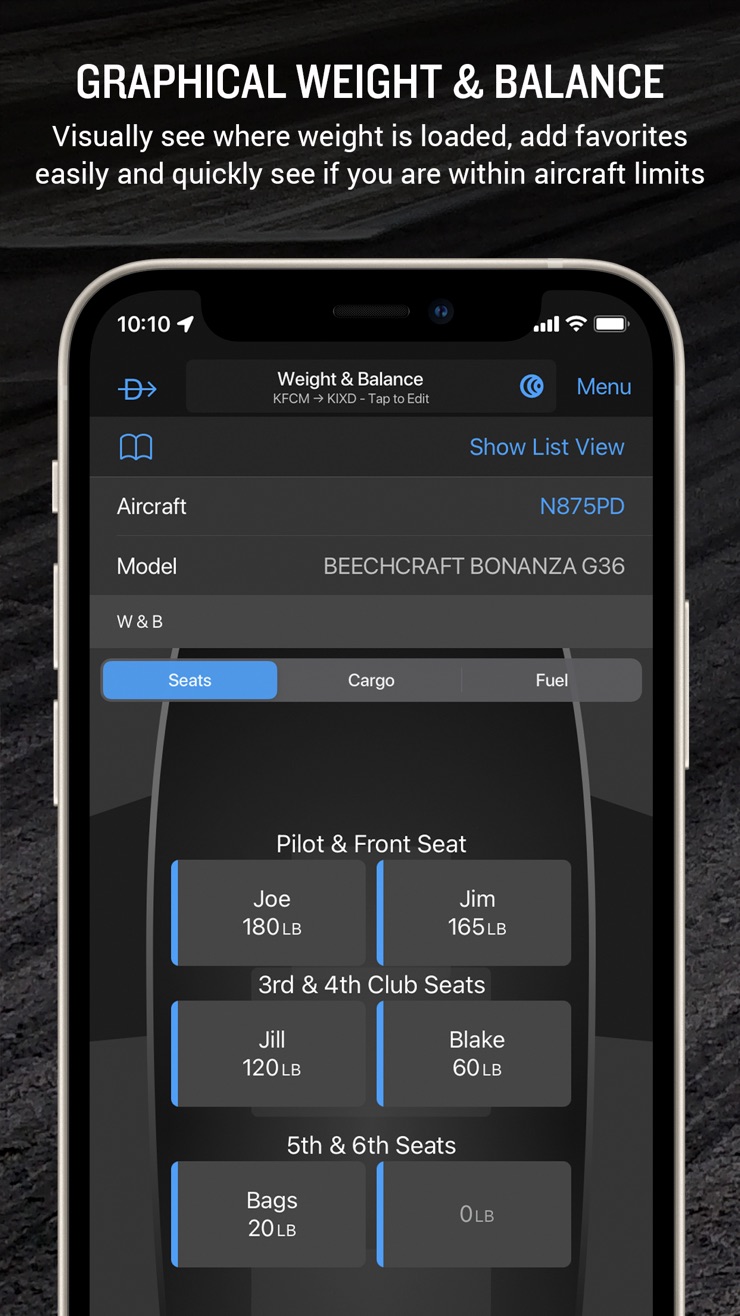
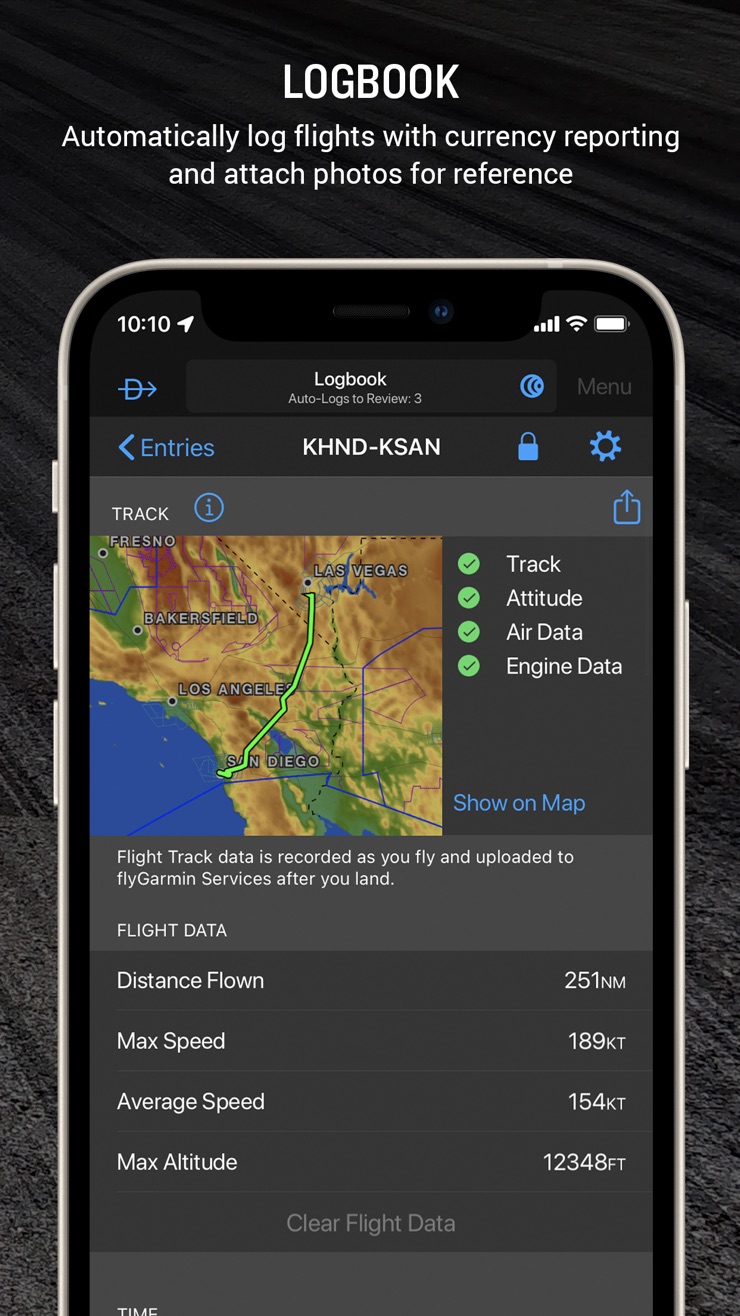
- Starter, $130 per year. Flight planning and filing, VFR and IFR government charts, airport info, decoded METARs and TAFs, a digital logbook with remote CFI endorsements, and weight and balance.
- Essential, $260 per year. Everything in Starter plus geo-referenced approach plates, synthetic vision, and terrain hazard alerts.
- Premium, $390 per year. Everything in Essential plus performance profiles, autorouting, and other tools for fast, complex airplanes.
Each plan covers one region; extra regions run about $100 a year, and Jeppesen charts add roughly $200 to $500 a year. Prices have climbed repeatedly, so treat these as a floor.
Here's the plain read: Starter covers everything a primary student actually needs, and it's the tier ForeFlight itself points new students toward. The extra money for Essential or Premium buys instrument and performance tools primary training never touches, so nobody working on a private certificate has a reason to buy up. The tier choice is easy. The real question is timing: whether $130 a year is worth it right now, at the most expensive phase of your flying life, when cheaper tools cover the same ground.
Where ForeFlight is genuinely worth the money
Credit where it's due: the digital logbook lets your CFI sign endorsements remotely, filing is smooth, and most instructors already know the app, so help is easy to find. If you're at the cross-country phase with the budget for it, Starter is a defensible buy. Nobody regrets the app itself, only the timing.
The best cheap and free apps for student pilots

PilotPal (Free, with a Pro option at $2.99 a month)
Best for: early primary training, when your flying is airport lookups, weather checks, and pattern work.
Before the cross-country phase, most of what you'll actually do with a tablet or phone is this: look up an airport, check its weather, brief the runway layout, and go fly. PilotPal is built around exactly that workflow, and it does it faster than the big EFBs because it isn't carrying their weight.
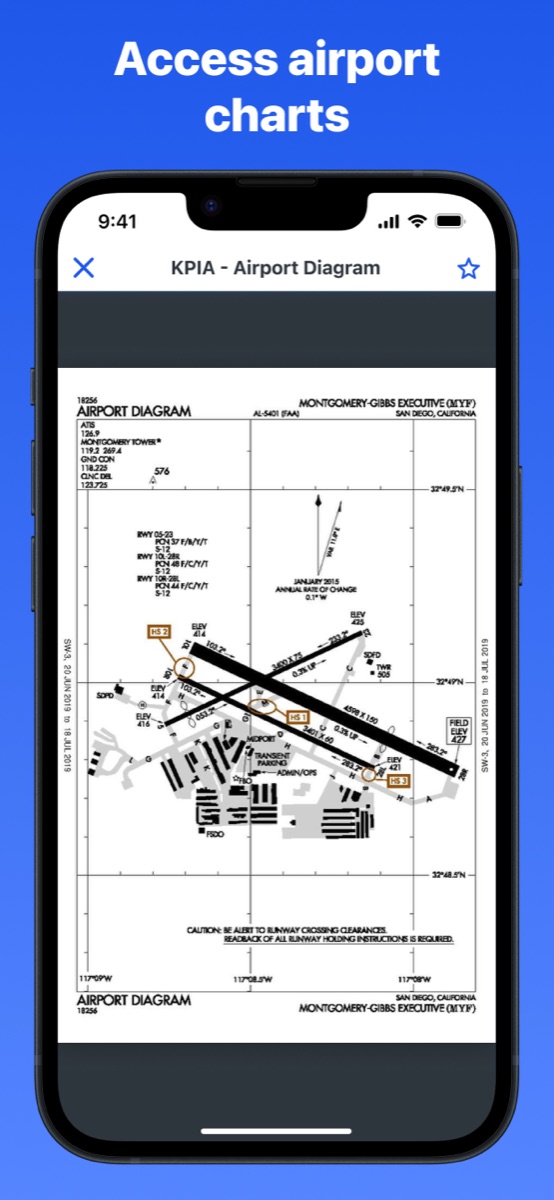
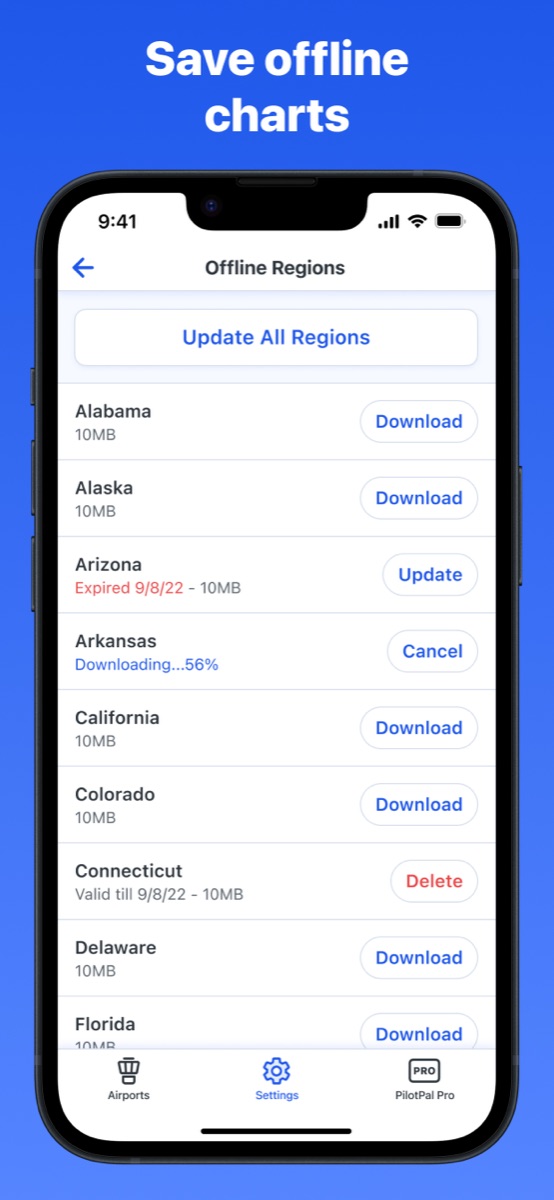
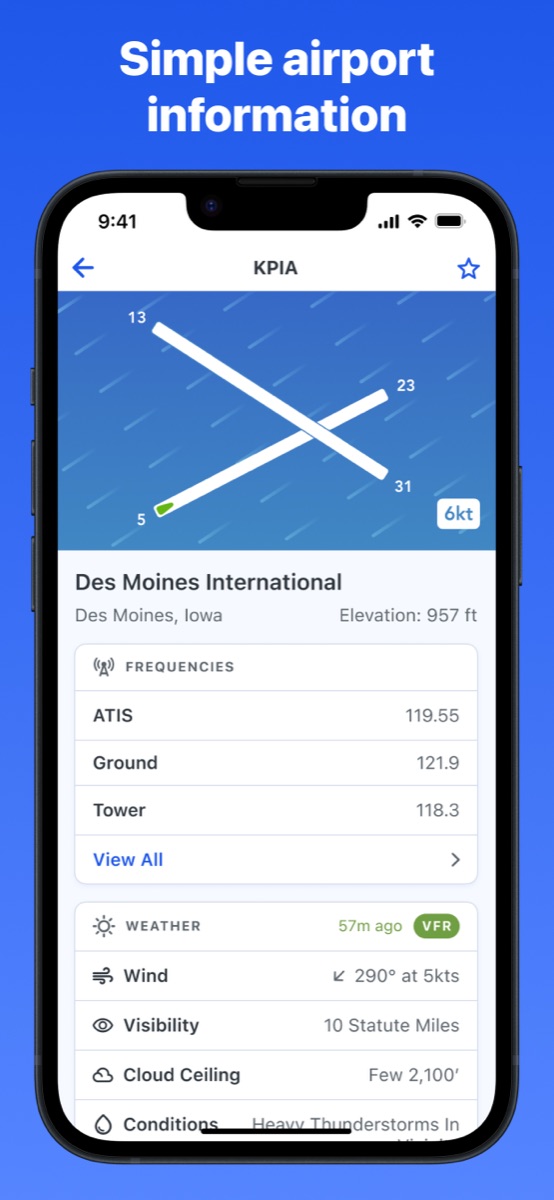
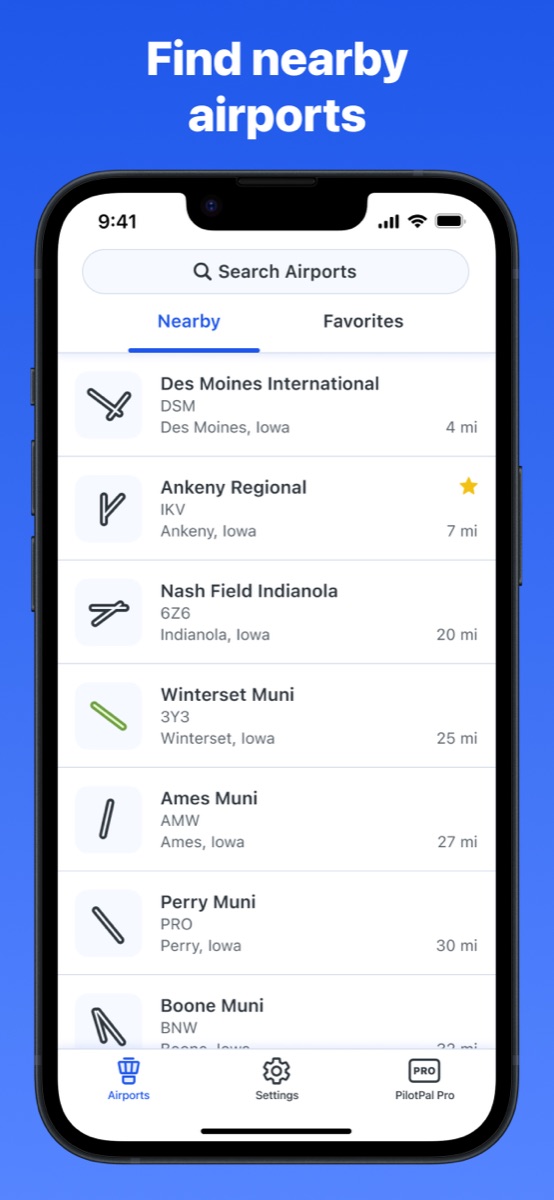
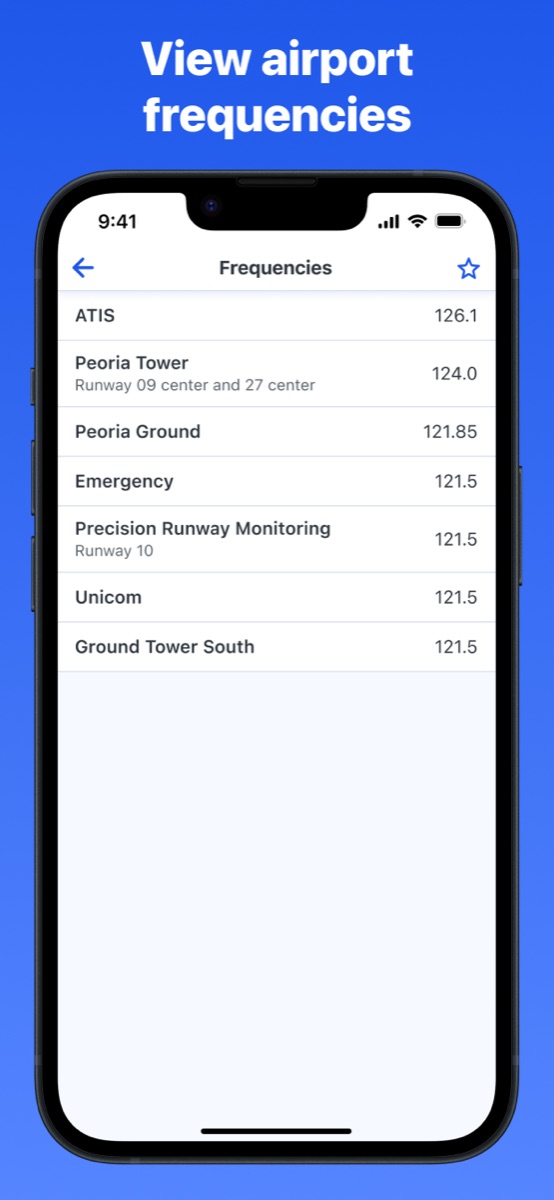
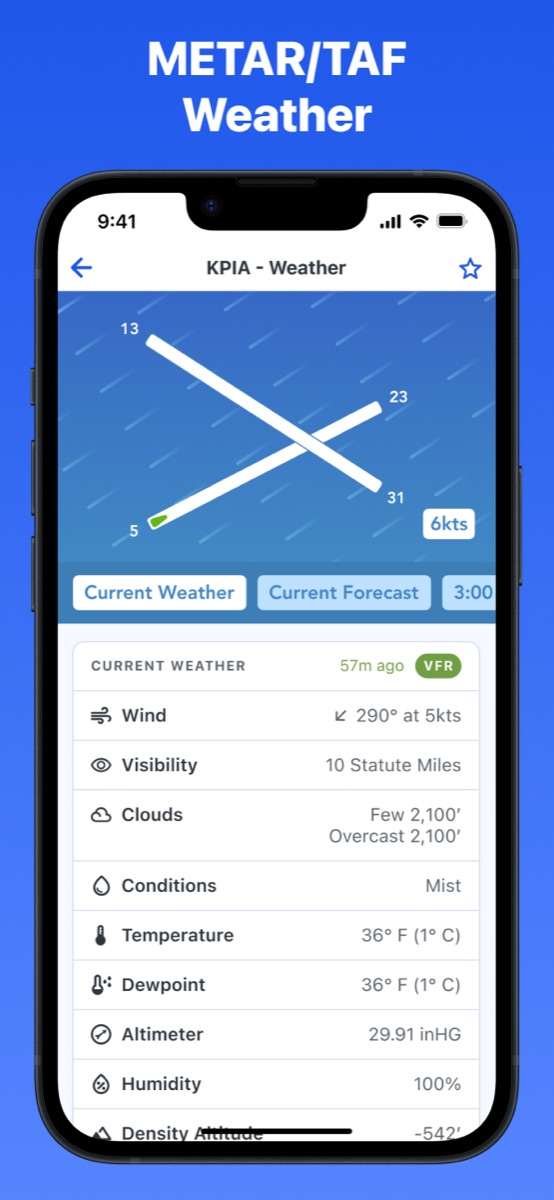
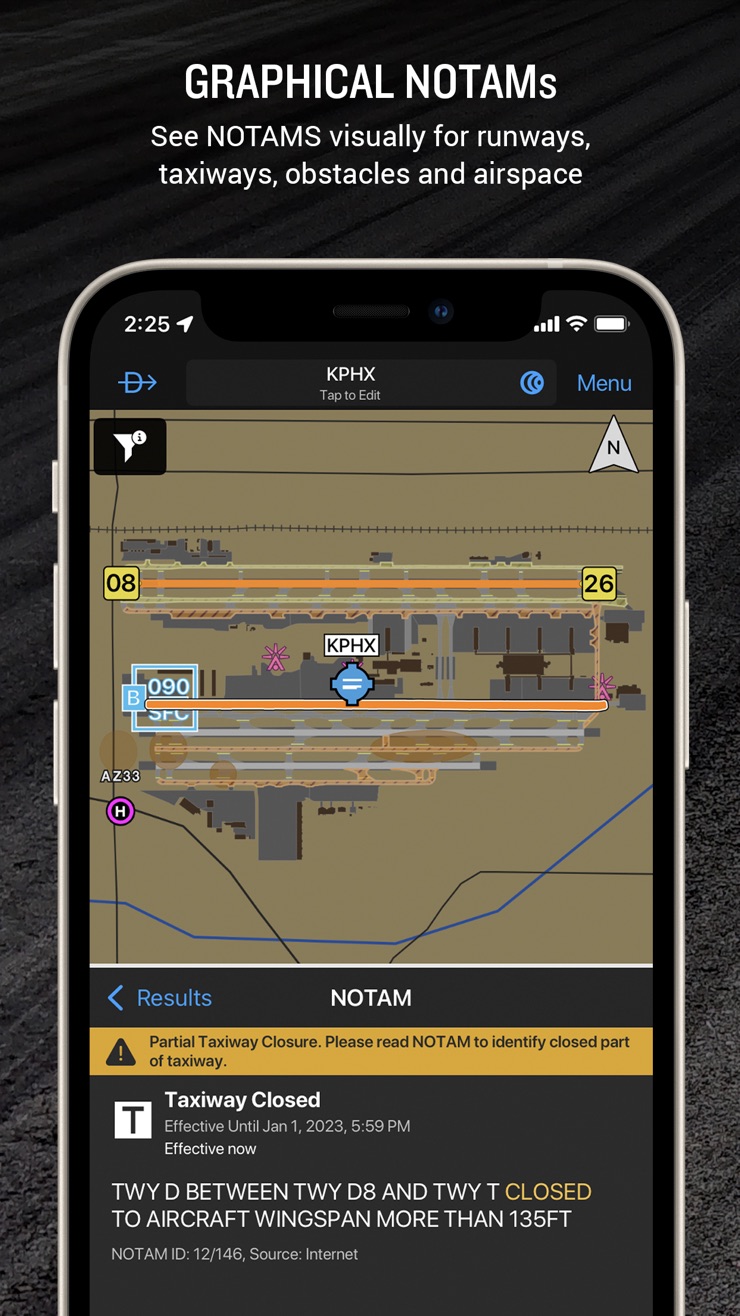
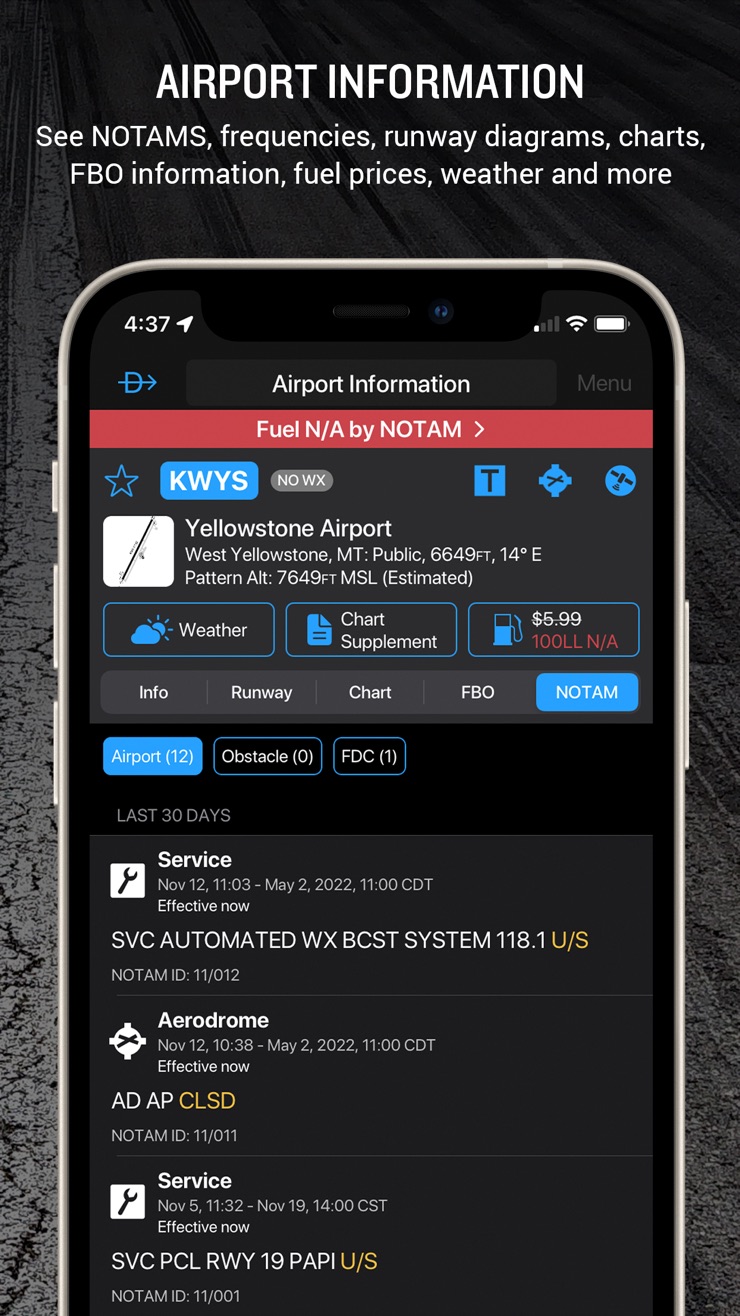
Type an identifier and you get the airport's frequencies, elevation, runways, and Chart Supplement data in a couple of taps, along with the current wind, visibility, and cloud ceiling, plus wind animated across the airport map, all free. Upgrade to Pro and you also get the full METAR and TAF parsed into a readable table instead of raw code, density altitude calculated for the field, and airport diagrams. It also handles helipads, does nearby-airport searches, and runs on iPhone, iPad, and Mac. It holds a 4.7-star rating on the App Store from more than 650 pilots as of mid-2026.
Be clear about what it isn't: PilotPal is not a full ForeFlight replacement. There's no VFR sectional layer, no flight plan filing, no weight and balance, no logbook. It's the airport info, charts, and weather half of an EFB, and the basics are free. For the pre-solo months when that's the whole job, it covers you, and if you want more, Pro is $19.99 a year against ForeFlight's $130.
PilotPal is free on the App Store, so it costs nothing to put it on your phone before your next lesson.

Garmin Pilot (about $110 per year)
Best for: students training in Garmin glass cockpits, and everyone on Android.
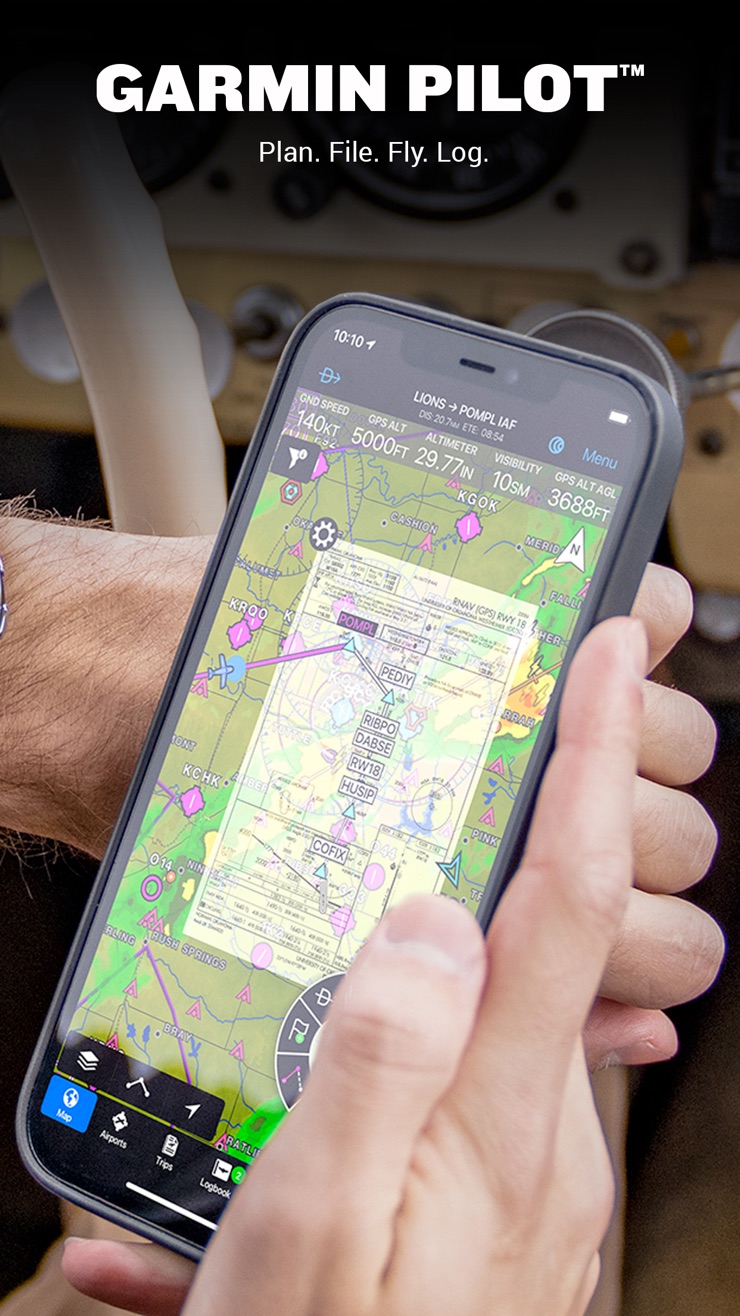
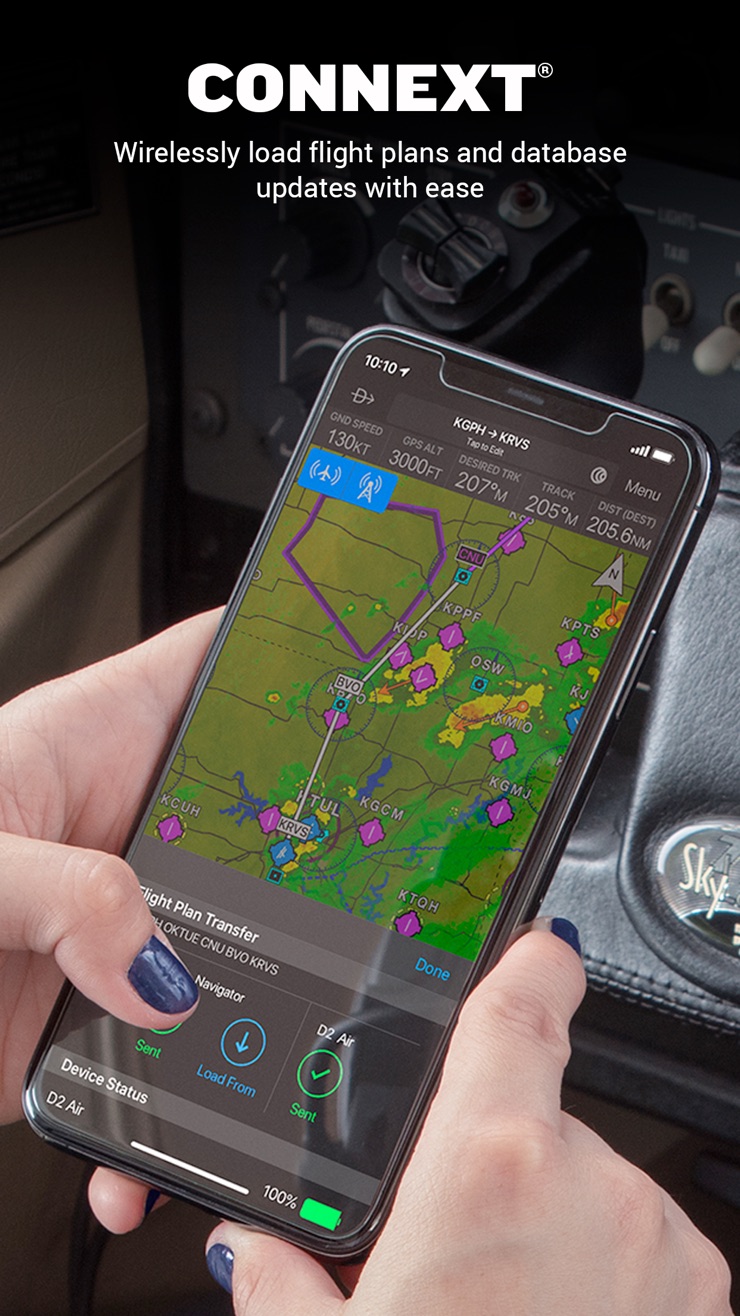
Garmin Pilot is the strongest direct competitor to ForeFlight, and the obvious pick in two cases: if your school's fleet has G1000 panels, the app mirrors the avionics you're learning, and if you're on Android, ForeFlight simply isn't available while Garmin Pilot is the most polished EFB that is. The downside is price. At around $110 a year it's right in ForeFlight territory, so it doesn't solve the budget problem a student has. It's the pick when your panel or your phone makes the choice for you, not when you're trying to spend less.
Two more apps round out a student's phone, and neither is a subscription. They cover the flight-computer math and the regulations reference you reach for over and over in training, each a cheap one-time buy that pairs with the free airport and weather apps above.
Sporty's E6B Flight Computer ($9.99, one time)
Best for: every student from day one, for the flight-computer math behind cross-country planning and the checkride.
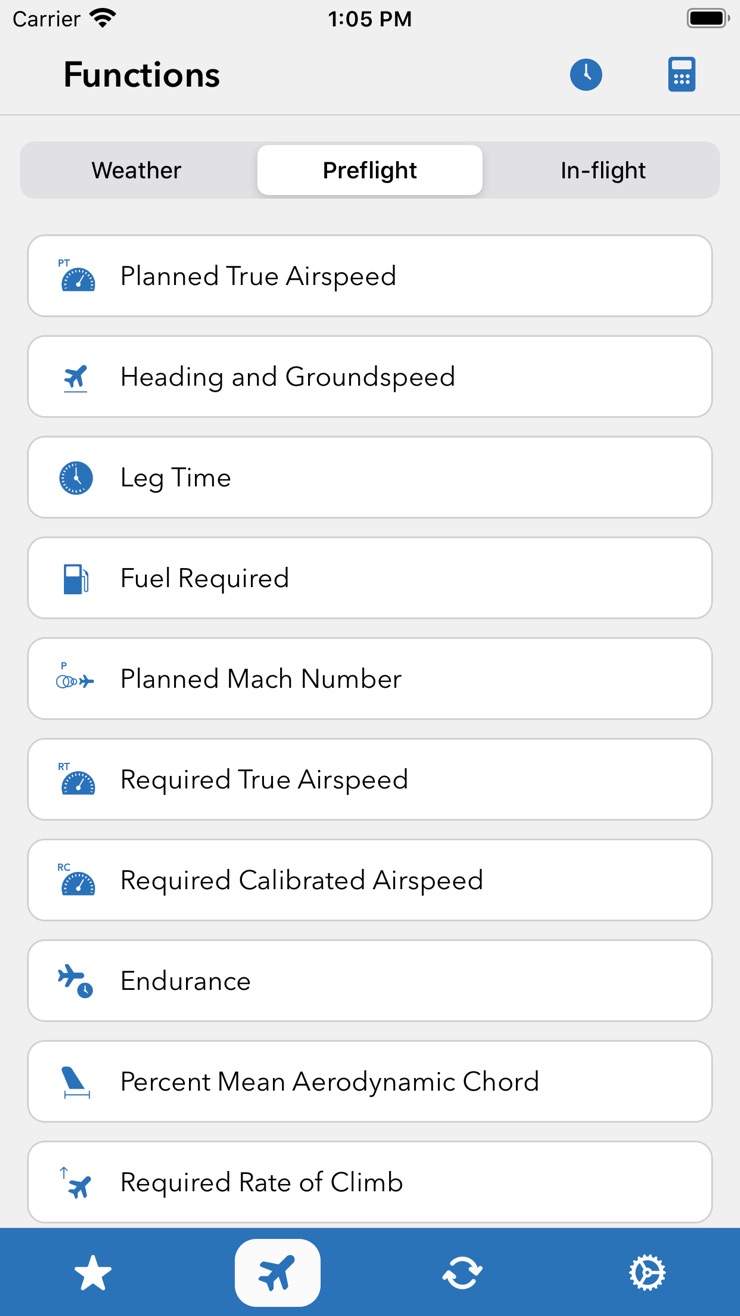
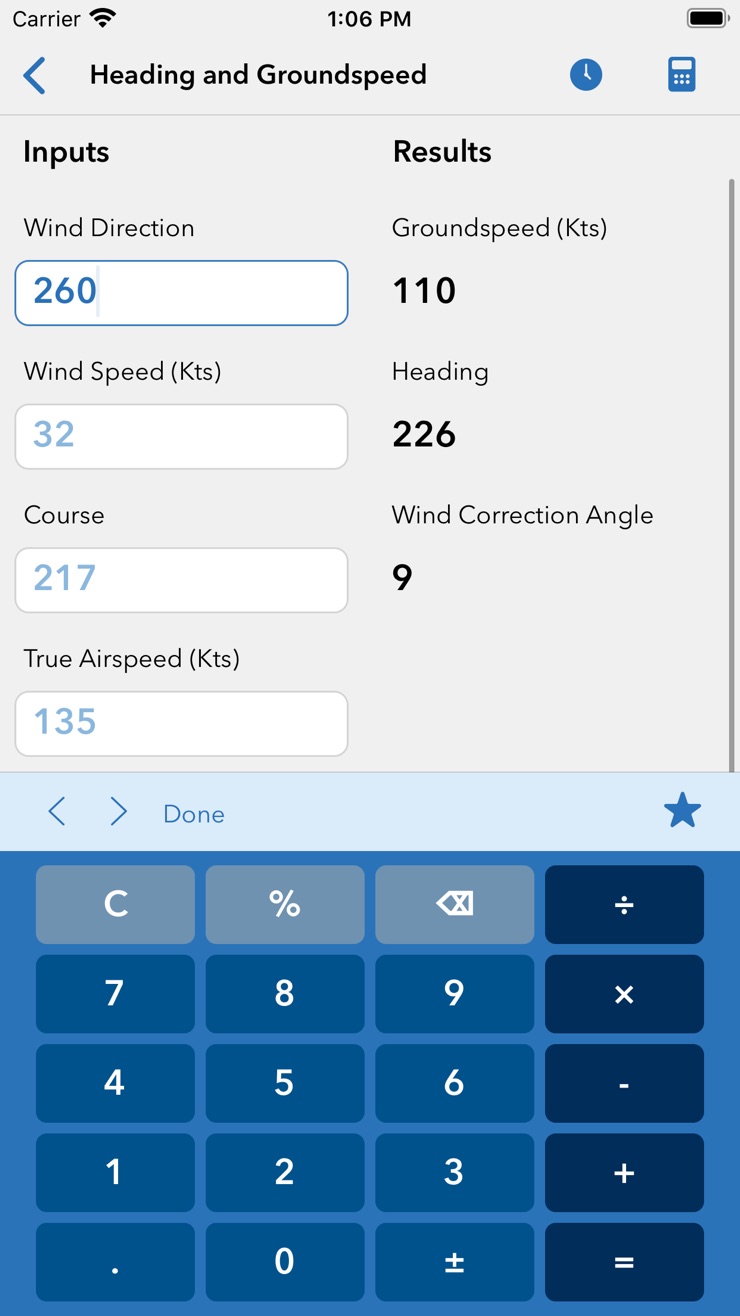
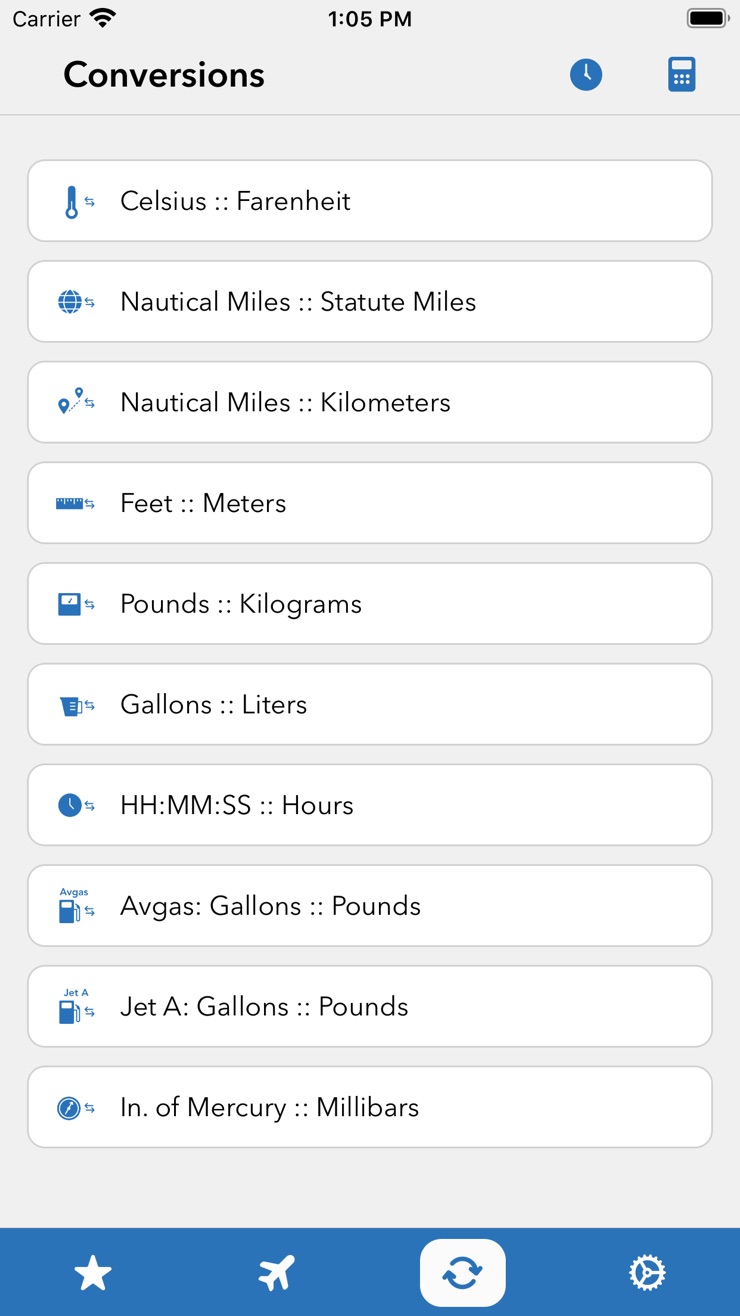
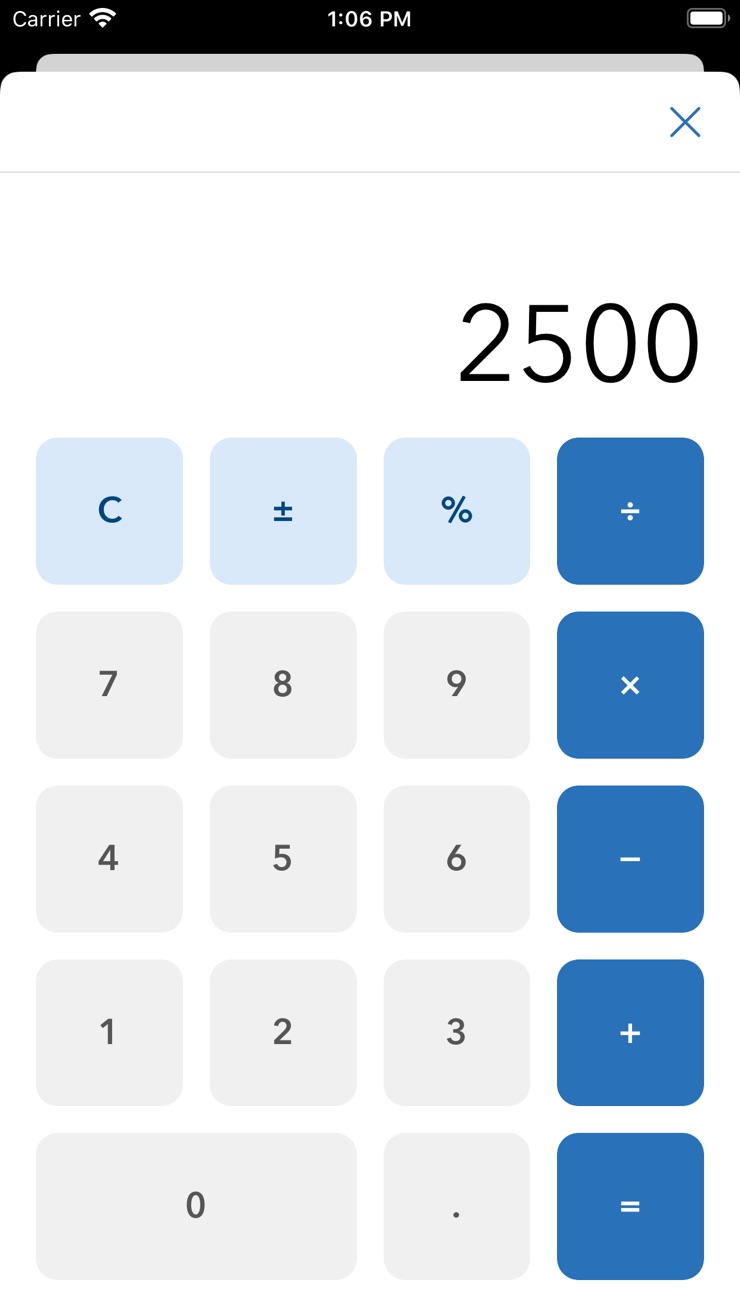
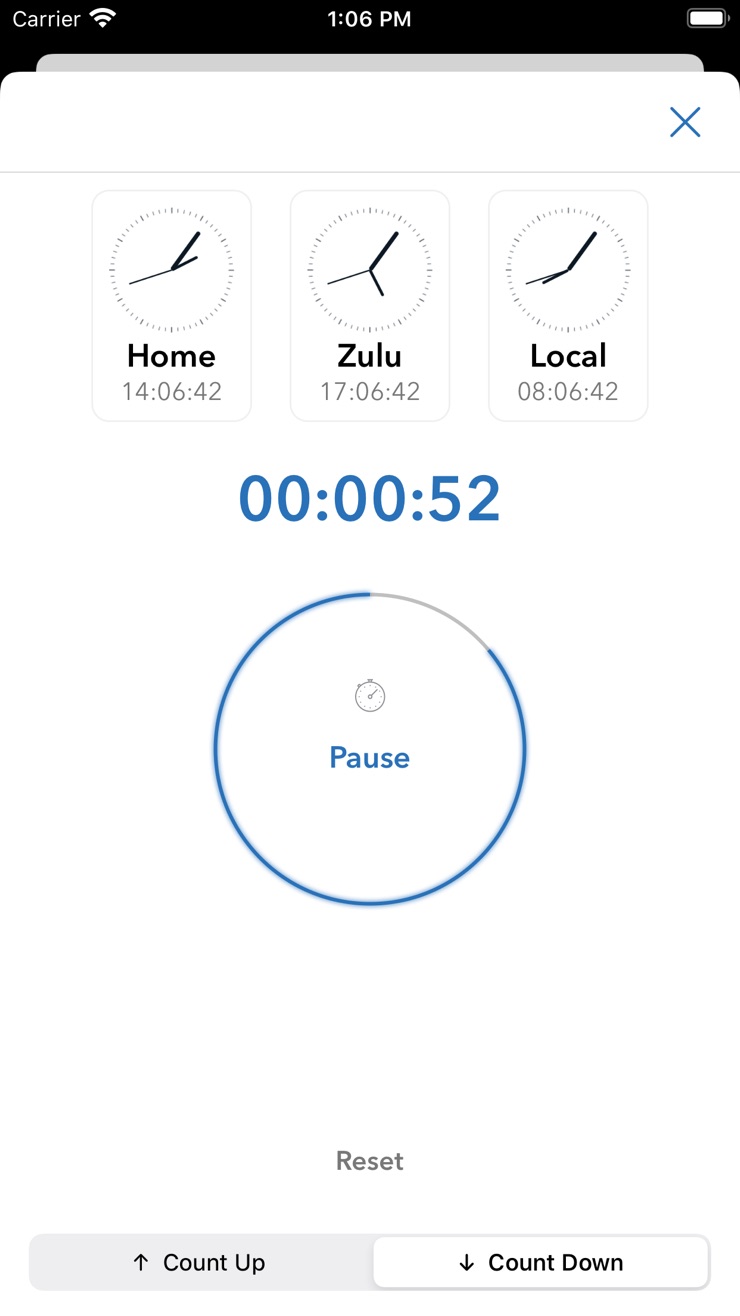
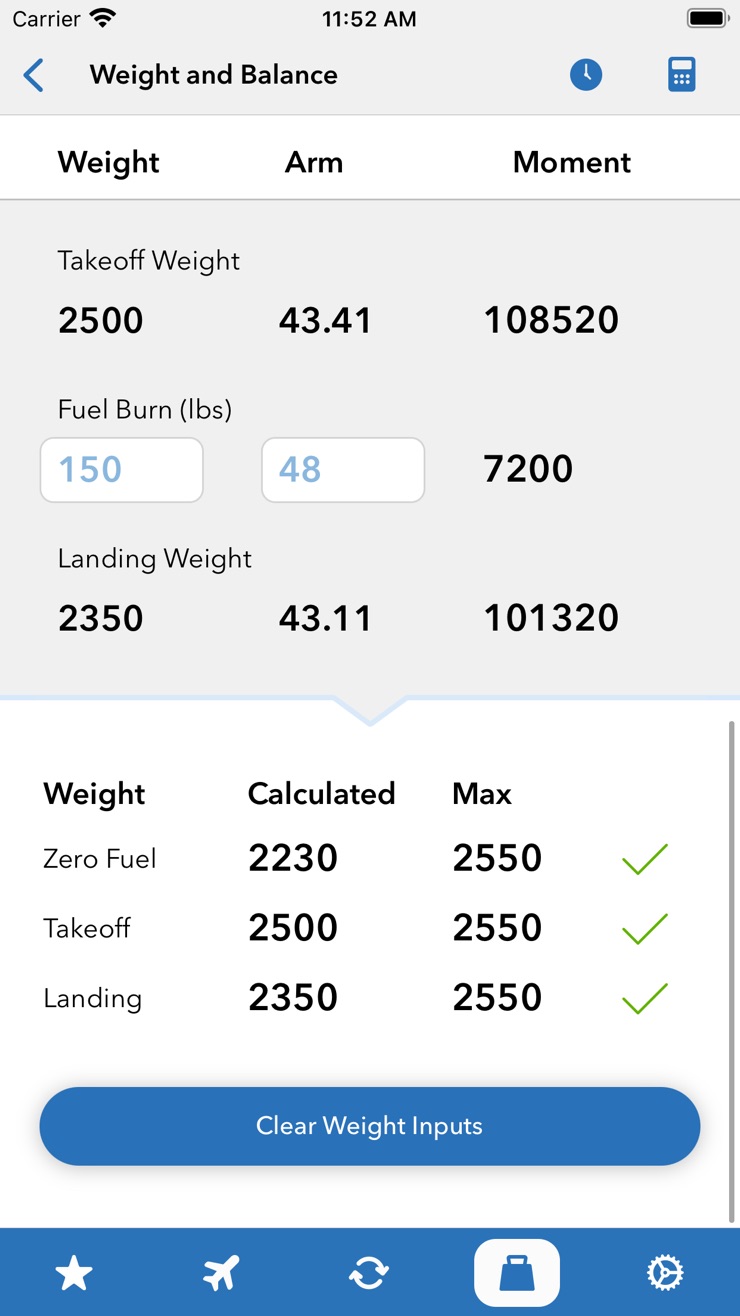
Your written and oral both expect you to work an E6B: true airspeed, heading and groundspeed from the winds aloft, fuel burn, time en route, density altitude, and a stack of unit conversions. Sporty's E6B is the digital version of Sporty's handheld computer, with 27 aviation functions and 22 conversions, so you punch in numbers instead of spinning a plastic wheel. It runs on iPhone, iPad, Mac, and Apple Watch, and its timer tracks Zulu, local, and home time at once. At $9.99 once, it holds a 4.9-star rating from more than 5,000 pilots.
It's a calculator, not an EFB, so it doesn't touch charts, weather, or filing. That's the point: it does one job that every other app charges a subscription to bundle, and it does it for the price of a fast-food lunch. Pair it with a free airport and weather app and you have covered two more corners of the kit.
ASA FAR/AIM ($19.95)
Best for: oral-exam prep and quick rule checks, when you want the regs searchable instead of hauling the book.
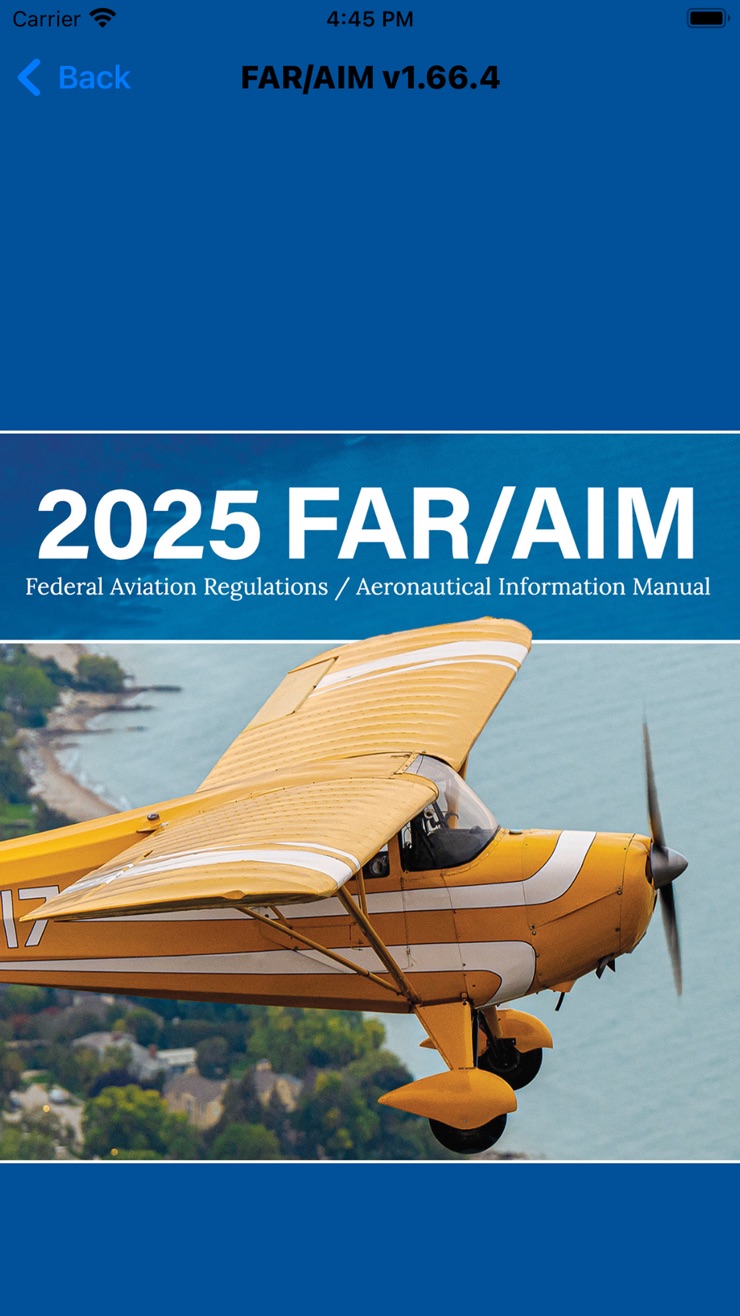
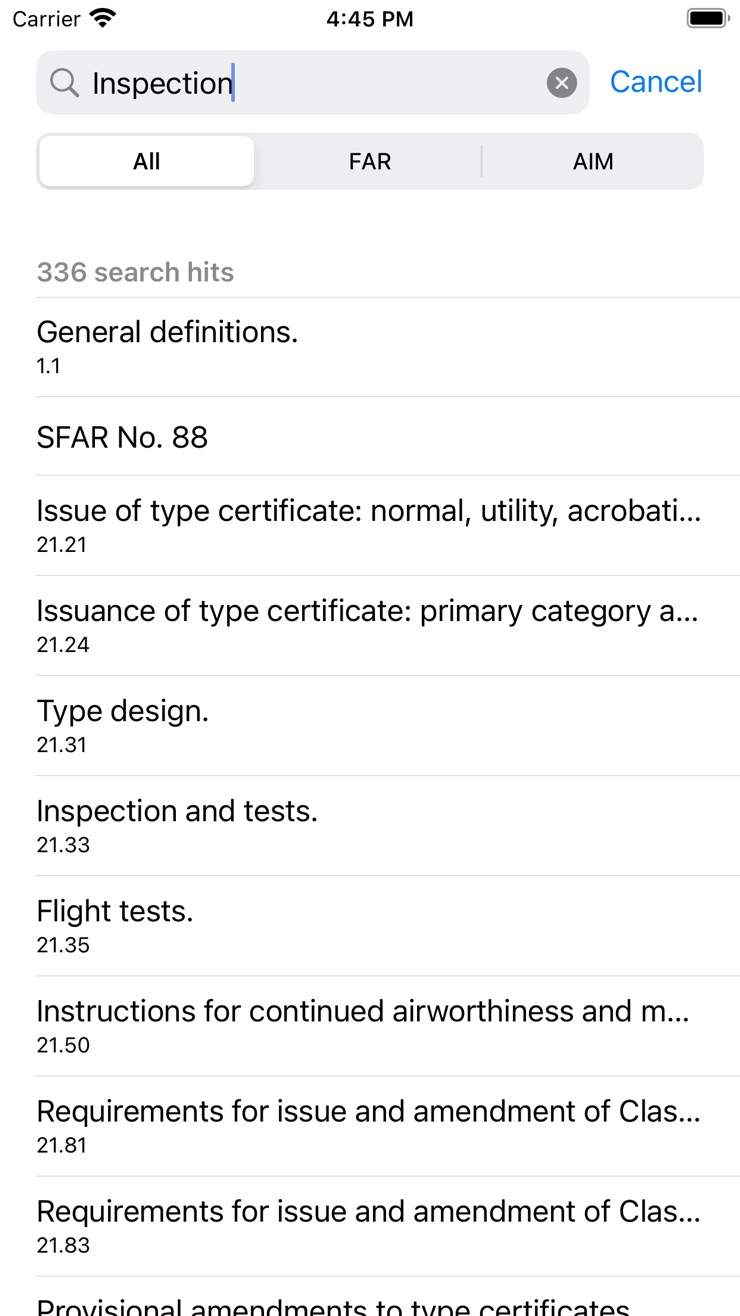
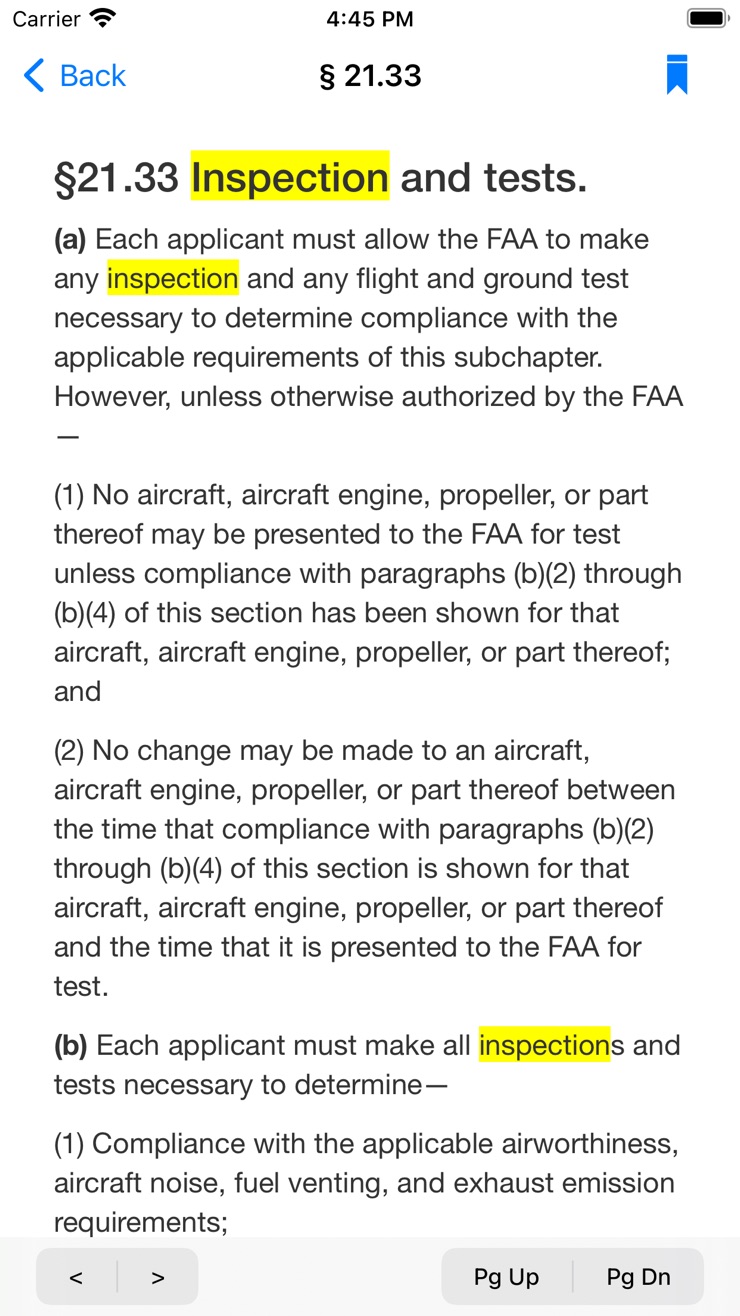
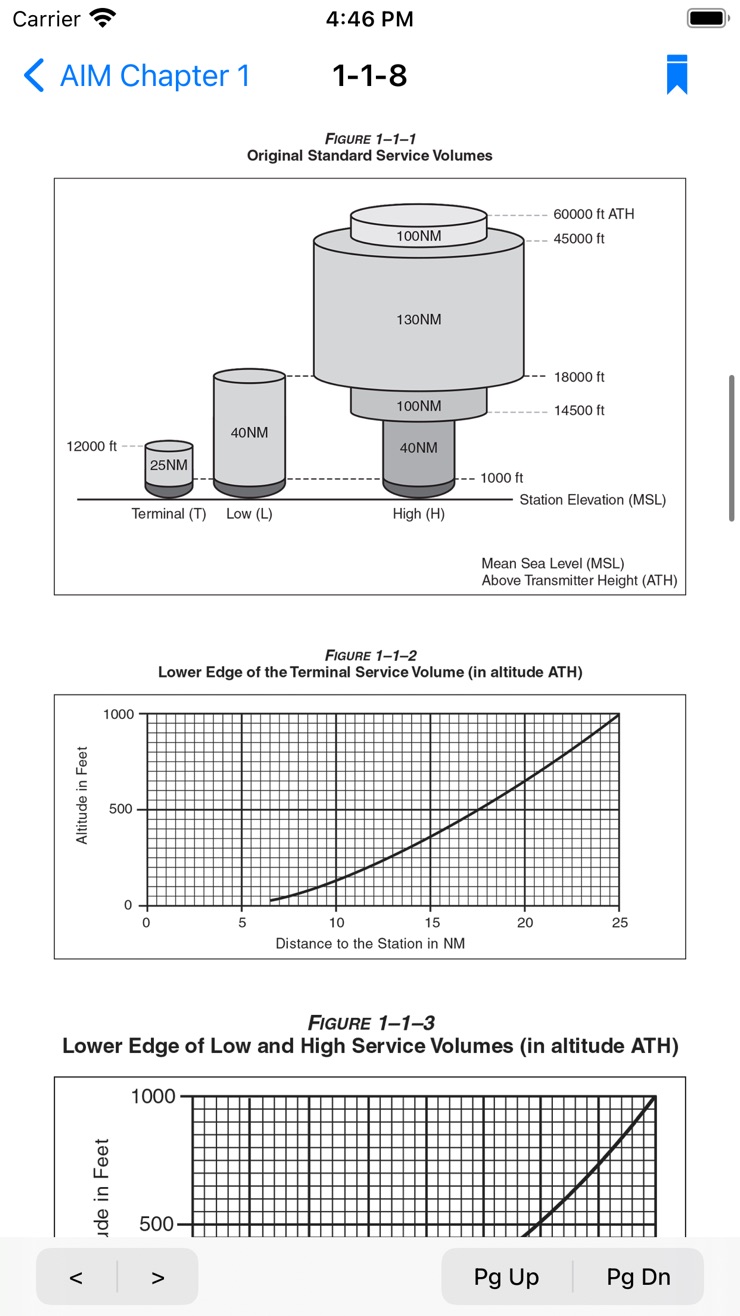
The FAR/AIM is the rulebook every student reads before the oral, and ASA, the company that prints the paperback, makes the app version. ASA FAR/AIM carries the full text of 14 and 49 CFR, the Aeronautical Information Manual, and the Pilot/Controller Glossary, with search across the whole thing and free content updates as the regulations change. At $19.95 it stays current on your phone while a printed copy goes stale on the shelf.
The catch is the app itself. It sits at about 3.3 stars, and most of the reviews point at a dated interface and awkward navigation. The regulations are ASA's exact text, so what you read is fine. It's the software around it that feels old. If you want the real FAR/AIM searchable on your phone for the oral, it's worth the $19.95. If you only look up a reg now and then, you can skip it.
ForeFlight vs PilotPal: Side-by-side comparison
ForeFlight Starter is a complete EFB, and all that capability comes packed into a dense menu structure with a real learning curve, one more thing to figure out on top of everything else you're learning in the airplane. PilotPal is a focused airport, charts, and weather app: a clean, uncluttered interface you can figure out in one sitting, because it isn't trying to be everything. The table below shows exactly what each covers so you can match it against what your training actually requires right now.
| ForeFlight Starter | PilotPal | |
|---|---|---|
| Price to start | $130/year | Free |
| Ongoing cost | $130/year | $2.99/month or $19.99/year |
| Charts | VFR and IFR government charts | Chart Supplement (free) and Airport diagrams (Pro) |
| Airport info | Airport and FBO information | Frequencies, elevation and runways |
| Weather | Decoded METARs and TAFs, graphical briefings | Current wind, visibility, ceiling, and wind map (free). Full METAR/TAF and density altitude (Pro) |
| Flight plan filing | Yes | No |
| Weight and balance | Yes | No |
| Digital logbook | Yes, with remote CFI endorsements | No |
Look at where each app wins. ForeFlight takes the rows that start to matter at the cross-country phase: filing, weight and balance, and the logbook. The rows both apps cover, airport info, current conditions, and offline charts, are the ones you live in during the months before that. So there's a cheap way to stage this. While you're doing pattern work, local maneuvers, and learning to read weather, download PilotPal free and you have airport info and current conditions covered, with Pro a $2.99 upgrade away when you want the full weather picture and diagrams. Add the big EFB when cross-countries and filing arrive.
How to choose: a quick decision guide
Which one you want comes down to where you are in training. A few common cases:
- Pre-solo and watching every dollar: PilotPal on your phone for airport info and weather, SkyVector in the browser for planning practice, and your money stays in the fuel tank. Revisit the question when your instructor starts talking about cross-countries, not before.
- Starting cross-countries on an iPad, budget allows it: ForeFlight Starter at $130 per year is the safe call, and most CFIs on the field can help you learn it.
- Training in a G1000 cockpit, or on Android: Garmin Pilot is the most polished option, and the natural fit if you're already flying behind Garmin glass.
- Instrument rating on the horizon: this is when ForeFlight Essential's geo-referenced plates and hazard alerting start earning their $260 per year. Not before.
If you're unsure, default to the cheapest option for your current phase. Upgrading later takes five minutes and loses you nothing; downgrading after a year of unused subscription only returns regret.
Frequently asked questions
How much does ForeFlight cost in 2026?
Starter is $130 per year, Essential is $260, and Premium is $390. Each includes one geographic region; extra regions run about $100 per year each, and Jeppesen charts are a separate add-on running roughly $200 to $500 a year depending on coverage. For comparison, PilotPal is free, with Pro at $2.99 a month or $19.99 a year.
Is ForeFlight worth it for student pilots?
It can be, once you reach the cross-country phase. Starter covers what a student actually needs. The features that justify the higher tiers, like geo-referenced plates and synthetic vision, are instrument and high-performance tools a primary student won't use yet. Before that phase, PilotPal covers the same ground for free.
Is there a free ForeFlight alternative?
Yes. PilotPal is a free iPhone and iPad app that's clean and easy to use, covering airport information, offline charts, current wind, visibility, and ceiling, and animated wind maps, with Pro at $2.99 a month or $19.99 a year unlocking full METAR and TAF, density altitude, and airport diagrams.
What does PilotPal cost?
PilotPal is free to download and covers airport lookups, offline charts, current wind, visibility, and ceiling, and animated wind maps at no cost. PilotPal Pro is $2.99 a month or $19.99 a year and adds the full parsed METAR and TAF, density altitude, and airport diagrams.
What's the difference between PilotPal and ForeFlight?
ForeFlight is a complete electronic flight bag: flight planning, filing, weight and balance, and a digital logbook, built for every phase of flying. PilotPal is a free, focused app for airport lookups, offline charts, and current weather, the parts of an EFB a primary student actually uses. Pro unlocks the full weather picture and airport diagrams for a fraction of ForeFlight's price.
What apps does a student pilot actually need?
Current charts for your training area, airport information (frequencies, runways, pattern altitude), METAR and TAF weather, a weight and balance calculator, and a logbook. PilotPal covers the airport and weather lookups for free; the rest can wait until after the checkride.
The bottom line: during primary training, most of what ForeFlight's higher tiers charge for sits unused while the subscription meter runs. Spend your money on flying. Cover the airport lookups, current conditions, and runway checks that fill your actual training days with a free app, and grab PilotPal for free here before your next lesson.
PilotPal: Flight Planner EFB
Airport info, offline charts, and current weather. Free.
Look up any airport by identifier and get frequencies, elevation, runways, and Chart Supplement data, plus current wind, visibility, and ceiling, and animated wind maps, all free. Pro adds the full parsed METAR and TAF, calculated density altitude, and airport diagrams.